A practical workflow for collecting changes, recording decisions, and releasing one current reference.
A jewelry design can move through several rounds of feedback before a brand is ready to proceed. The difficult part is often knowing which instruction still applies. A comment in an email, a marked-up image, and a newer attachment can describe three different decisions.
Jewelry design revision control gives those decisions a clear order. The aim is to keep one current reference, explain each requested change, and record exactly what the next approval allows. A small team can manage this with a shared folder and a simple log.
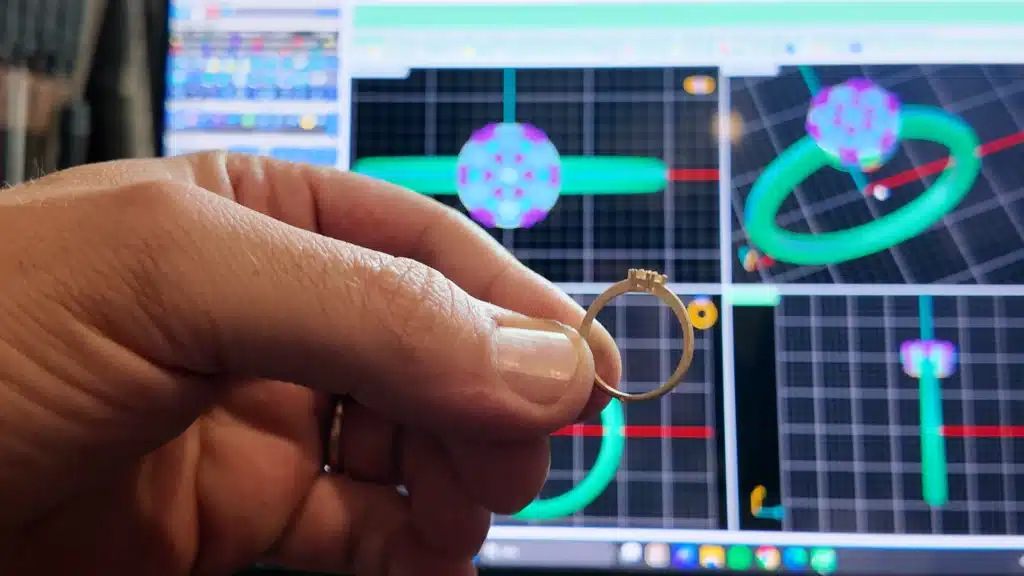
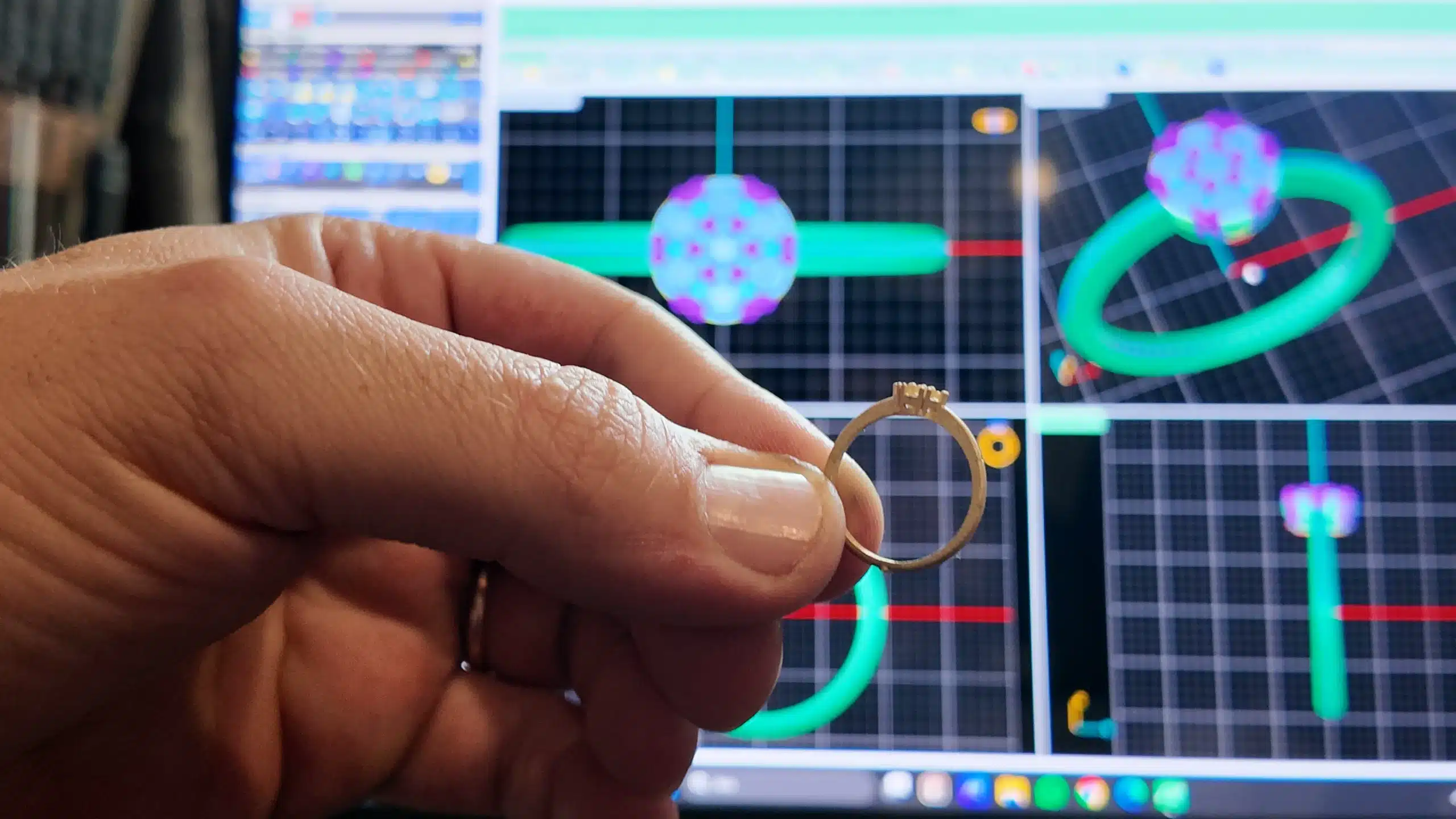
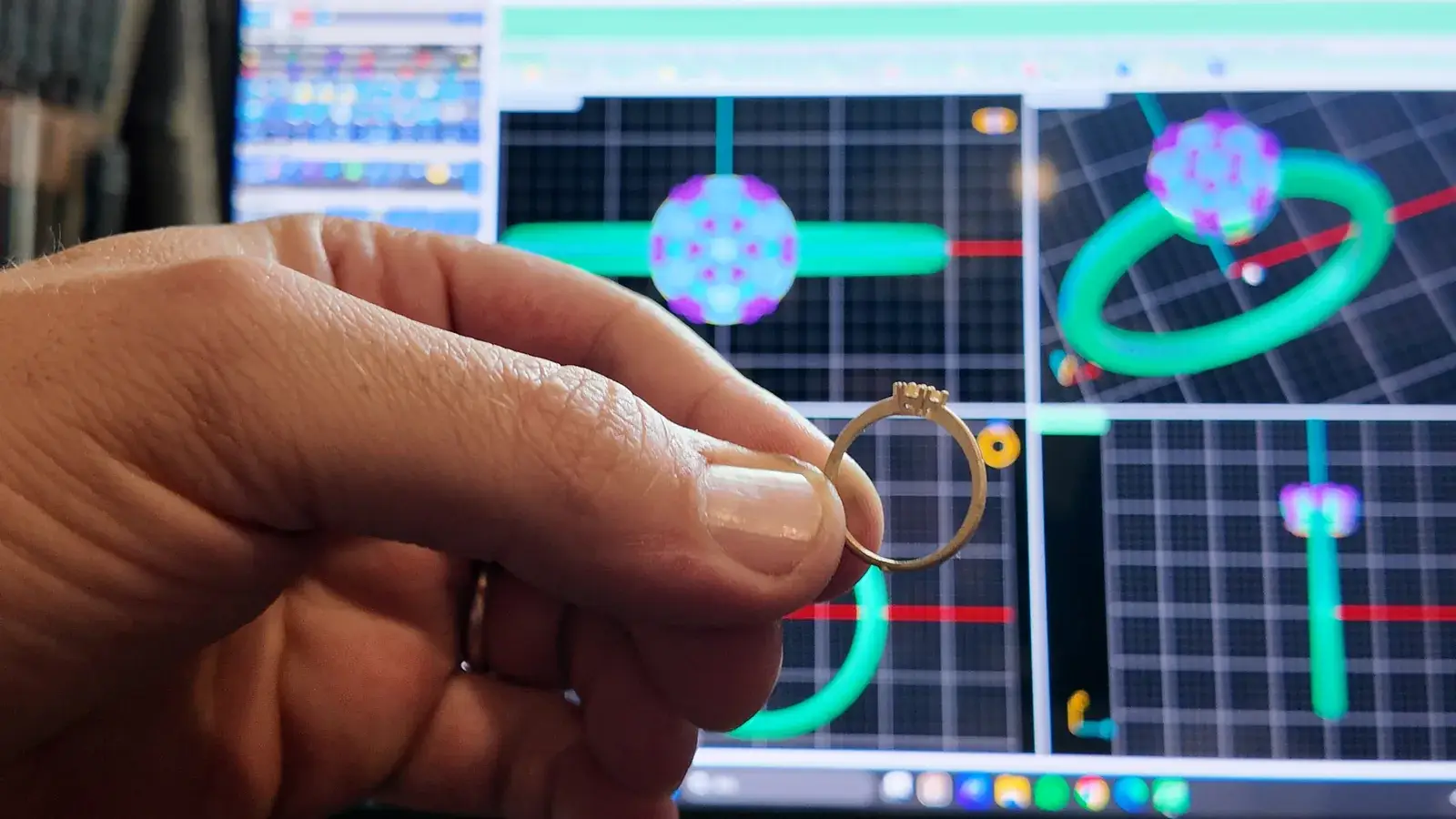
A physical ring setting with CAD ring views in the background, from the Bamina archive.
01 · CURRENT REFERENCE
Choose one current reference
Give each design a stable identifier and each revision a distinct number. For example, a fictional pendant might move from PND042_R02 to PND042_R03. Keep the design identifier unchanged so people can follow its history.
Add the revision, date, and status to the review document itself. A file may be downloaded or forwarded without its original folder name. Keep earlier versions in an archive marked superseded, rather than leaving several apparently current files together.
02 · CONSOLIDATED FEEDBACK
Combine feedback before requesting changes
Name one person to collect the brand’s comments. Ask reviewers to work against the same revision and resolve conflicting preferences before sending the consolidated request.
A request to soften a detail and a separate request to make it more prominent need a brand-side decision. Passing both onward leaves the recipient to guess. Keep unresolved questions visible, with an owner for each, and distinguish them from agreed instructions.
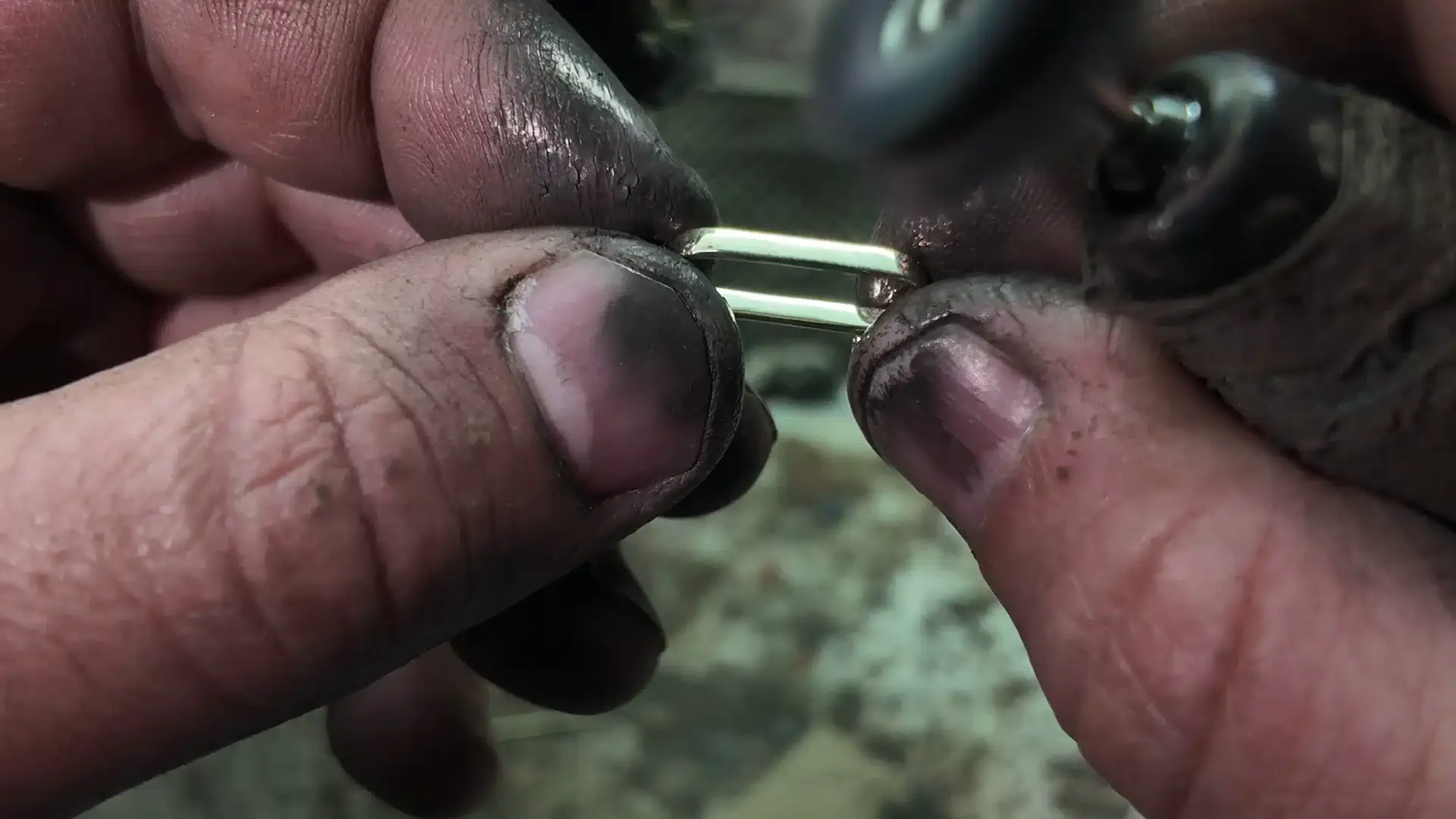
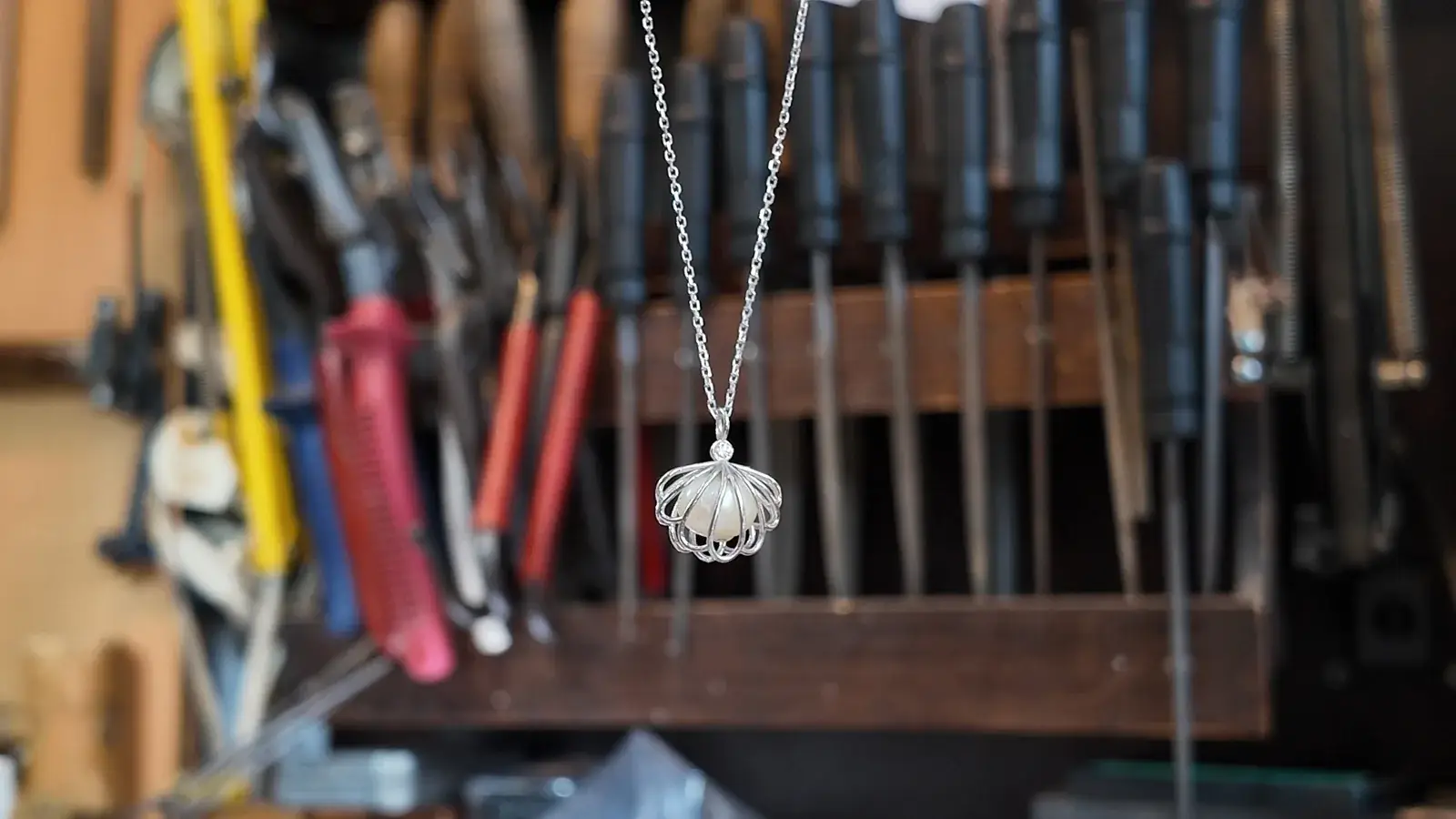
The BMNA pendant photographed at the workbench, with its component detail visible.
03 · CHANGE REQUEST
Describe each change and what stays fixed
Use one numbered entry for each requested change. Identify the location, describe the current issue, and state the intended result. Attach a marked image when words alone leave room for interpretation.
Also record the features that should remain unchanged. For example: revise the pendant’s front motif while retaining the approved outer outline. If a requested change may affect another feature, ask for that dependency to be reviewed. Do not assume every edit can be isolated.
04 · APPROVAL SCOPE
Separate review from approval
State the purpose of each review. A direction selected for further development should not be confused with a complete release for the next manufacturing stage.
Use explicit wording such as “approved for the next sample review” or “approved for quotation against the attached revision,” as appropriate to the project. Name any exclusions and unresolved points. A broad “looks good” can leave reviewers with different interpretations of what has been accepted. Agree the approval language with the other party before relying on it.
05 · DECISION RECORD
Record the decision in one place
A useful change log contains the design ID, revision, change summary, requester, decision, approver, and decision date. Link the evidence rather than copying fragments from several conversations.
Record rejected and deferred changes as well as accepted ones. Otherwise, an old suggestion can reappear later as though it were a missing instruction. After a call, circulate a concise decision record and ask participants to resolve any disagreement before the next step proceeds.
06 · RELEASE PACKAGE
Close the round with a release package
When the review is complete, issue a short cover note listing the approved files and their revisions. Include the approval scope, any remaining exclusions, and the person who can answer questions.
Check that every linked file opens and that the recipient has access. Confirm which document takes precedence if supporting references differ. A release package should be understandable to someone joining the project today, without requiring them to reconstruct weeks of messages.
The takeaway
Keep the next instruction clear
If a new change arrives after approval, issue a new revision and identify what it replaces. Confirm any implications before continuing; do not assume an earlier quotation or plan still applies. Keep the previous decision traceable without leaving it marked as current.
Preparing a jewelry project brief? Contact Bamina with your current design reference, open questions, and the stage you want to discuss.